Why is EMERGE clothing inventory software essential for apparel & accessories businesses?
The apparel and accessories industry is currently facing a serious challenge from fast fashion. As a result, customer shopping behavior is constantly changing, driven by trends and key opinion leaders (KOLs). This reality poses a serious problem for the wholesale apparel industry in terms of inventory management.
Apparel and accessories businesses must constantly update product catalogs, manage inventory effectively by avoiding overstocking or understocking, and most importantly, keep up with trends. At this point, you absolutely need apparel inventory software to help you manage inventory, overall operations, and analyze data to effectively identify market trends.
EMERGE is a cloud-based order, purchasing, and inventory management system that integrates with accounting, shipping, payment, and e-commerce systems. EMERGE has helped apparel companies address inventory and operational management issues, thereby increasing overall efficiency, improving customer experience, and maintaining a stable supply chain.

How does EMERGE clothing inventory software help businesses manage apparel inventory? And why is EMERGE the best clothing inventory software in the apparel & accessories industry?
EMERGE clothing inventory software helps businesses manage daily operations with specialized tools and modules for apparel inventory management and operational control. These features include barcode scanning, batch and serial number management, sales management, FIFO pricing methodology, integration with CRM, accounting, e-commerce systems, and much more. By centralizing all in one cloud-based place, EMERGE clothing inventory software provides powerful management and operational functionalities for apparel manufacturing and wholesale businesses.
EMERGE is the best clothing inventory software in the apparel and accessories industry, as it balances clothing management functions, cost effectiveness, ease of use through user-friendly interface, and scalability when your business data volume grows.
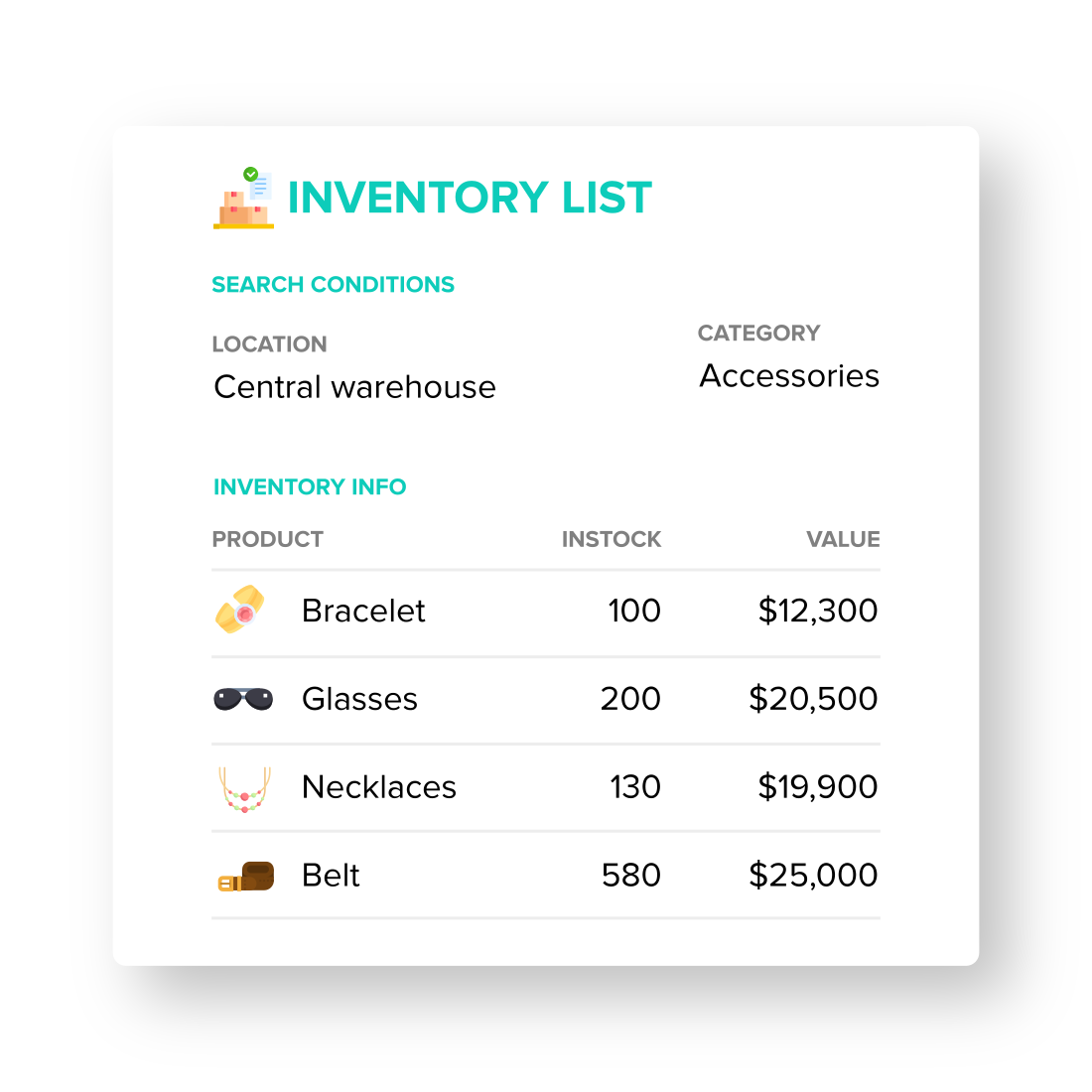
Create multiple locations, warehouses, and stores in clothing inventory software EMERGE to match your apparel business model and manage your entire operation from one centralized platform.
Every transaction, including orders and inventory adjustments that are associated with a specific warehouse or stock transfers between warehouses, is updated in real-time to the system. This ensures you always have the most accurate and up-to-date data whenever you need it.
Access critical data such as inventory movements, inventory lists, and sales reports based on specific locations or warehouses to make better decisions about restocking.
Tailored for apparel manufacturing and wholesale businesses, EMERGE apparel inventory software allows you to manage product variations by size, color, style, material, etc.
Set variation options such as size, color, style, etc., and easily add their attributes in EMERGE’s product module. These variations are managed individually, so you can assign SKUs, set prices, and add barcodes and QR codes for each variation.
In addition to apparel inventory management, EMERGE also simplifies product raw materials management for apparel manufacturers. Create new materials beforehand and build up the Bill of Materials (BOM) when you create new products. These BOMs are crucial in later production and support seasonal sales when you want to sell in bundles or combos.

The Variation Matrix interface is specifically designed for apparel inventory management. This intuitive interface helps EMERGE users in the apparel industry operate and complete tasks effectively and quickly.
- The Variation Matrix table is automatically generated after you assign attributes to variation options such as size, color, style, etc., during product creation.
- This Variation Matrix table is used for the transaction of adding items to sales or purchase orders, saving you a lot of time compared to adding each variation individually.
- The Variation Matrix interface provides a comprehensive overview of product variant selection during the purchasing process, helping to avoid overlooking variants.
- Inventory levels are also displayed better with a matrix table interface. Prices and inventory levels for each variant are shown in a single table within the main product inventory management section.
Beyond the apparel and fashion industry, the variation matrix table interface is also very useful for managing accessories and stationery, industrial parts with many different variations (e.g., diameter, dial, color, etc.), household consumer goods, and medical consumer goods.
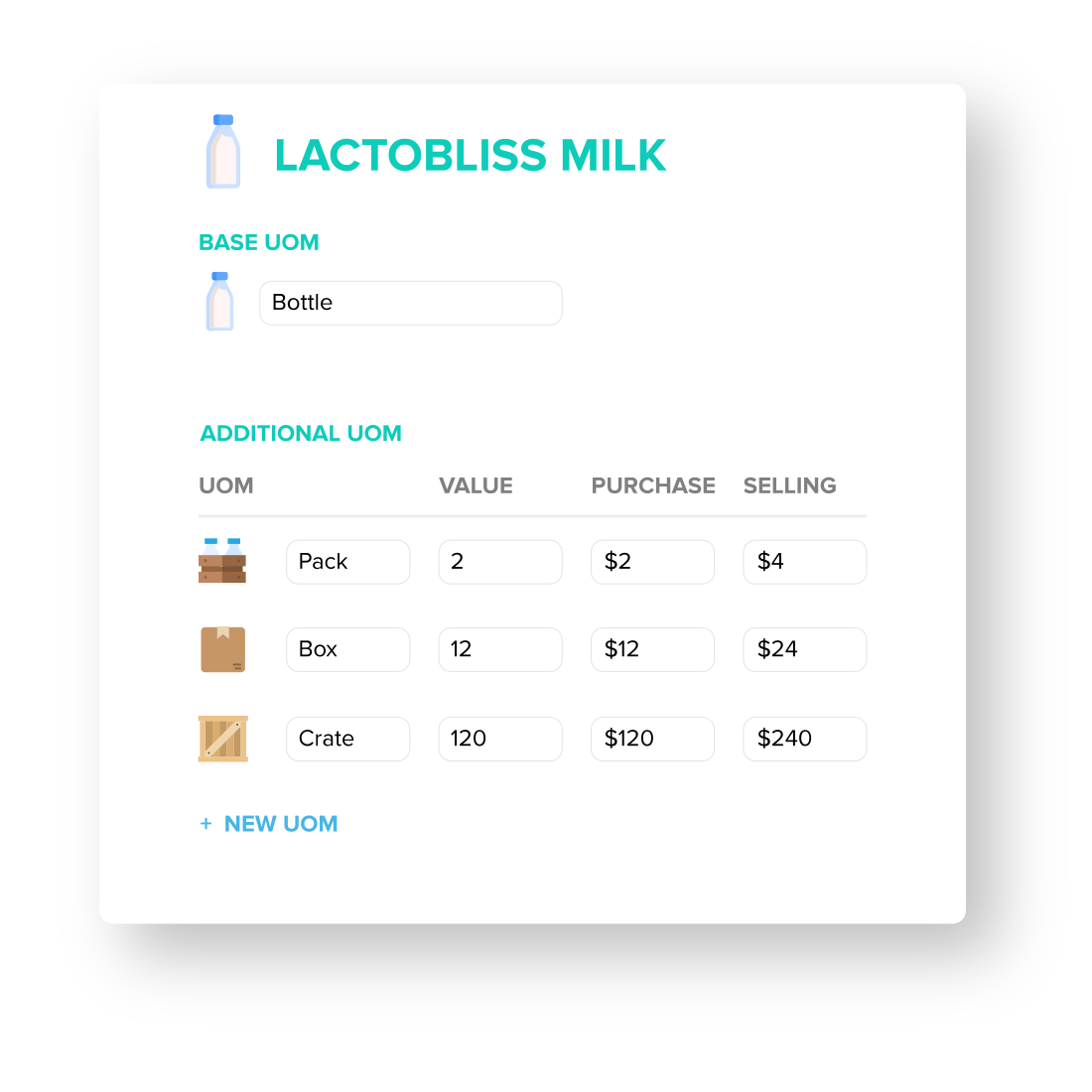
For apparel manufacturers and wholesalers, flexibility in unit of measurement (UOM) is a crucial part of apparel inventory management. Using clothing inventory software is definitely more efficient and accurate than spreadsheets when it comes to UOM management.
In EMERGE, you can set a default UOM. As your business gets noticed and sales increase, you can easily set up additional UOMs, for example, from pieces into bundles, boxes, or even pallets.
When placing orders for customers, you simply select the item with the appropriate UOM they want to buy, and the unit price will be automatically calculated based on the selected UOM.
From setting up the unit of measurement (UOM) and placing orders to picking and shipping, everything is done with detailed information on the UOM attached to each document, ensuring the accuracy of the entire process.
In the EMERGE inventory management system, you can purchase products from suppliers or manufacture them in-house using the simple production module. Together with batch and serial number management, purchasing and production activities are carefully documented and tracked from draft to received to invoiced.
- When you receive goods from suppliers, simply record the quantity using the receive notes in EMERGE, and inventory levels will then be adjusted accordingly.
- This is even easier for manufacturing because production order information is pre-assigned, so when production is complete, the goods are automatically recorded in the designated warehouse.
Set up reorder points for each product and enjoy the automations in apparel inventory software EMERGE. When inventory levels reach a threshold, EMERGE will automatically alert you from the system dashboard. Along with these reminders, the system also generates purchase order suggestions with the correct quantities for the appropriate supplier.
For products requiring production, as soon as you place a sales order, if the item needs to be produced, the system will automatically create a production order based on demand.
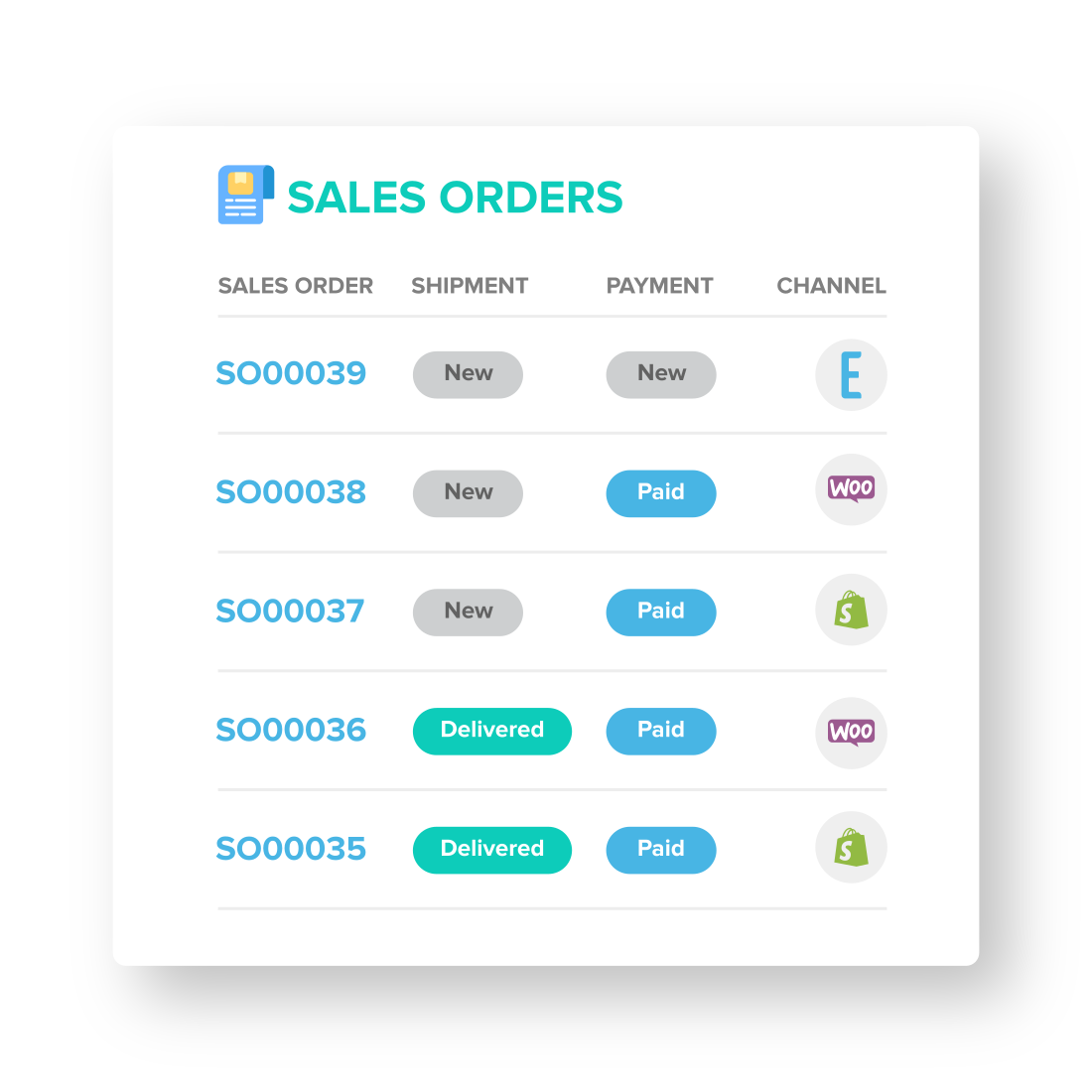
Multi-channel sales management capabilities in EMERGE help you monitor orders from physical stores to online sales through EMERGE’s built-in e-commerce platform or integrated e-commerce platforms like Shopify or WooCommerce.
Centralizing all orders in one place helps you better manage cash flow and order fulfillment. Report generation is also simpler with complete and accurate data from all your sales channels.
With sales orders based on EMERGE, you can easily sell in multiple currencies, apply specific delivery and payment terms, manage additional fees, offer discounts, and more.
When demand suddenly spikes due to trends or seasonal factors, apparel inventory management features, such as pre-ordering and drop-shipping support, ensure customer demand is met without disrupting operations.

Based on order history, you can categorize customers into different groups to reward their loyalty. These groups may enjoy better terms or special discounts.
You can freely create different price lists for individual customers, customer groups, or the entire customer base to reward or start a seasonal promotion. Price lists can be designed with tiered pricing based on purchase volume.
On the supplier side, EMERGE helps you track their performance based on delivery times, delivery efficiency, and loss tracking. Additionally, you can even mass compare prices between different suppliers using our Request for Quotation (RFQ) feature.
Identifying reliable suppliers to partner with not only helps prevent supply chain disruptions during periods of market volatility or short-term trends, but also helps increase profitability through better cost control.
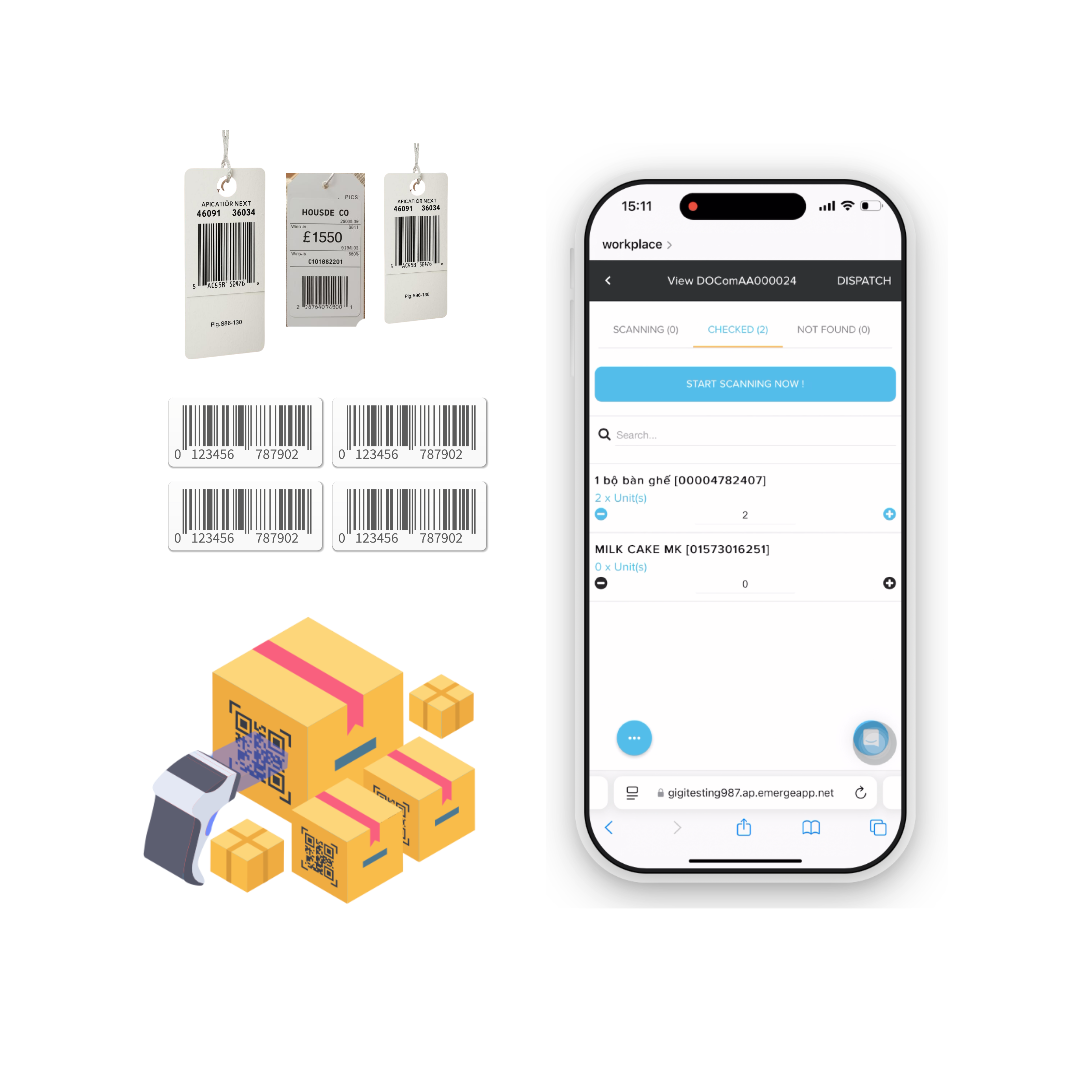
Using a barcode scanning system for ordering, picking, and dispatching. Combined with easy access on the mobile version of apparel inventory software EMERGE, you can mitigate human errors and speed up your entire warehouse operation by at least four times.
EMERGE apparel inventory software integrates seamlessly with ShipStation to help you manage carriers, print labels, and track deliveries.
Easily manage after-sales issues with the return and exchange management feature in the CRM module. You can track warranty periods based on the serial numbers and lot numbers you’ve assigned to sold products. Financially, the system automatically issues a credit note if a product is successfully returned.
EMERGE clothing inventory software integrates seamlessly with accounting systems like QuickBooks and Xero, ensuring your financial and inventory data are always fully synchronized. This integration lets you access accurate financial reports in a timely manner and make informed business decisions.
The Product Trend Report in EMERGE is specifically designed for apparel inventory management. This report provides insights into product trends based on past sales and inventory data, with analysis covering a minimum of six months and a maximum of two years for more accurate and reliable results.
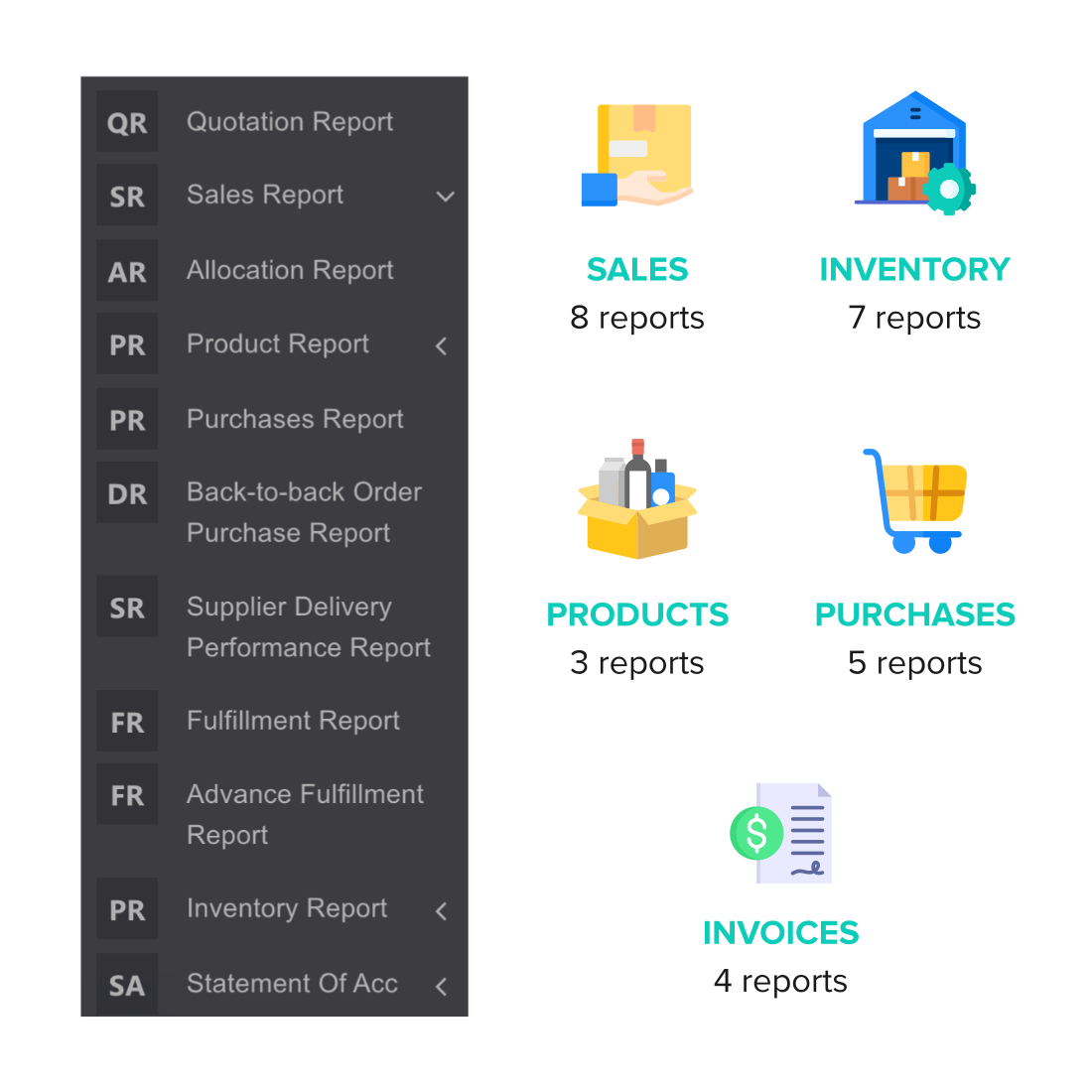
Furthermore, as an order and inventory management software, EMERGE provides numerous reports that dig into various aspects of your business, such as product reports, inventory reports, sales reports, purchasing reports, accounts receivable reports, accounts payable reports, and more.
Frequently Asked Questions
- How do I use barcoding & a barcode scanner with my products?
First you need to make sure you have your barcode loaded into EMERGE. If your products don’t yet have a barcode, you can use the EMERGE barcode generation module to randomly generate for each of your products. Once it is generated, you can use the module to print your barcode out.
You can then connect a barcode scanner via USB or Bluetooth to your PC and start scanning for sales, purchase, stock adjustment & transfer. Alternatively, our mobile version is also optimized for viewing & scanning, thus, you can use a tablet scanner designed for inventory management purposes. - What is the fastest way I can upload my SKU into EMERGE?
In EMERGE, we have multiple ways to enter your products
- If you don’t have many SKU (eg: below 30), you can choose to create the products manually in our product module
- You can use our excel template (https://help.emergeapp.net/en/articles/1283470-updating-product-information-with-excel-upload) and upload into the product module
- You can copy and paste your data into product module intuitive upload interface too
Do reach out to our team if you’re unsure of what is the best way
- What are the major problems I will face when setting up EMERGE for my accessories, fashion and apparel inventory?
The issues that majority of our users face are
- Product details all over the place. We do provide interns to help you sort out your product details at your own cost but our suggestion is to put your fastest selling products into EMERGE first instead of trying to sort everything out, which usually leads to giving-up on it altogether
- Having their inventory all over the place. Usually this will be solved with just a stock-take, but usually no time to do so. So the best way as advised above is, upload your fastest moving product into EMERGE initially and start issuing sales & purchase orders.
- Do you have many users in the fashion, clothing, accessories & apparel industry?
Yes, we have plenty of them, in-fact, EMERGE was initially designed for his specific industry