Top 10 Inventory Management Tips for QuickBooks Users in 2025
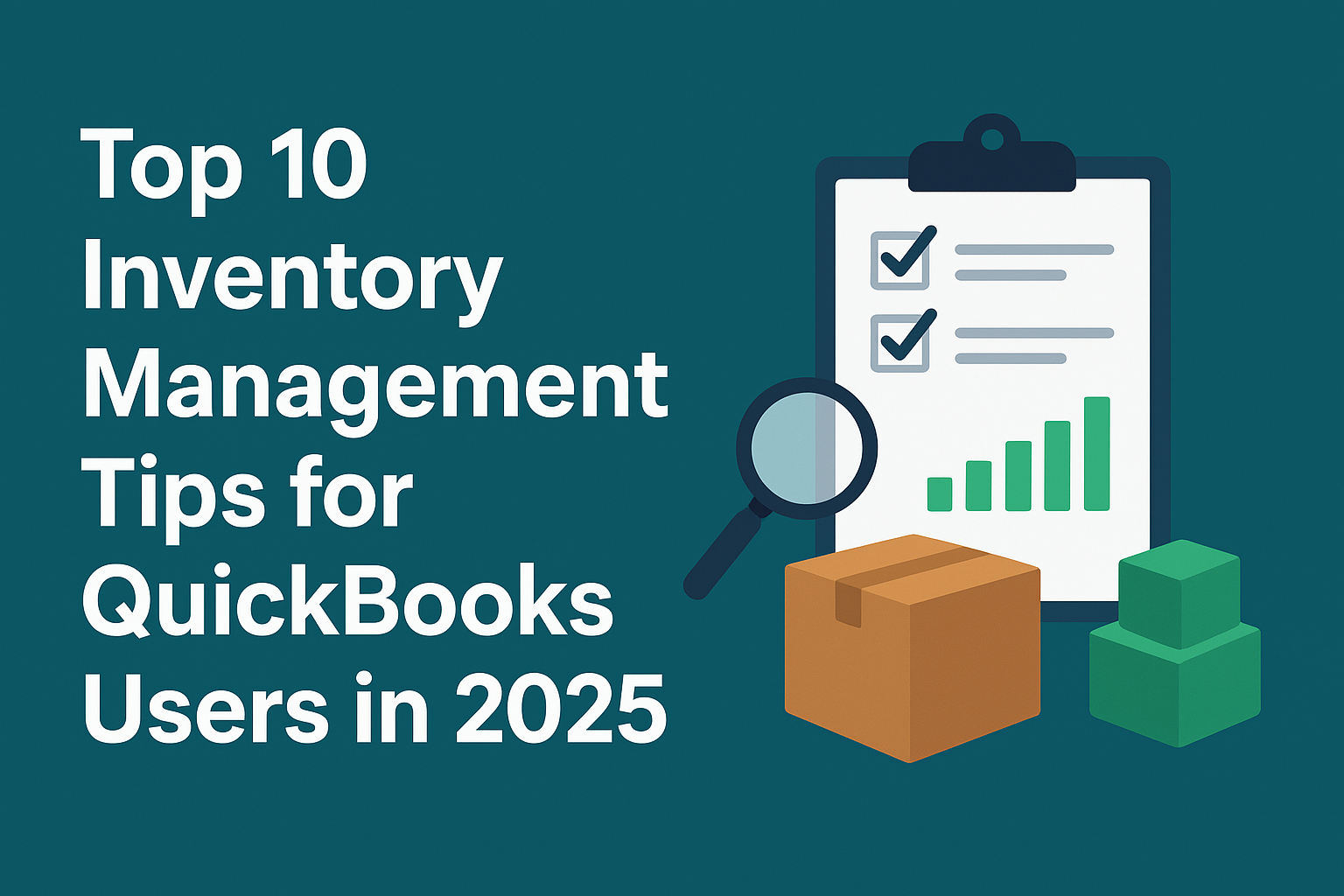 Efficient inventory management is crucial for businesses selling any physical products. It allows brands to fulfill orders in a timely and accurate manner. By using efficient inventory control software like QuickBooks, businesses can maintain their inventory at an optimum level at all times. QuickBooks is one of the widely used inventory management software. It has plenty of built-in tools to help you stay organized and keep your inventory updated. These options might not be instantly noticeable, but once they are found and set up properly, they can make inventory management smoother and less stressful. Here are some tips to help you make the most out of QuickBooks for inventory management in 2025
-
Choose the Right Version of QuickBooks
Choosing the right QuickBooks version is essential for effective and efficient inventory management. All the versions of QuickBooks Inventory Management do not provide advanced features. QuickBooks Online Inventory management has a built-in inventory feature that allows people to deal with basic logistical requirements. If your business deals in large quantities of products or operates in multiple warehouses, it is better to opt for QuickBooks Online Advanced or QuickBooks Enterprise. For instance, the QuickBooks Enterprise version enables you to track inventory using the subscription-based feature known as Advanced Inventory and Advanced Pricing.
-
Keep Your Item List Clean and Organized
Many QuickBooks users collect hundreds of product listings over the years. If you examine thoroughly, you may find obsolete, duplicated, or inactive products. Keeping your listing clean, updated, and organised is essential to make optimum use of the software. Automating reorder points and low-stock alerts in QuickBooks helps in avoiding stockouts, reducing holding costs, and improving cash flows. In 2025, QuickBooks offers smart reorder point settings that can alert you automatically when stock levels hit a minimum threshold.
-
Integrate QuickBooks with Your Sales Channels
Many businesses sell through multiple platforms—Shopify, Amazon, eBay, or a brick-and-mortar store. Integrating your QuickBooks Inventory Management with Sales Channels allow them to communicate with each other and share financial data to ease operations. It means when an order is placed or updated in Salesforce, that information is instantly reflected in your QuickBooks accounting system. When these channels are directly integrated with QuickBooks Inventory Management Software, it ensures inventory levels are updated in real time.
-
Leverage Barcode Scanning for Accuracy
Manual data entry is prone to mistakes. QuickBooks Enterprise and several compatible mobile apps now support barcode scanning. It allows staff to update inventory counts, process sales, and receive shipments quickly and accurately. In 2025, it will be more affordable to get a mobile barcode solution and integrate it into your workflow. It helps in improving accuracy, efficiency, and visibility across your warehouse.
-
Streamline Communication & Process Documentation
It is important to streamline communication and process documentation to make the most of your inventory management software. Make sure all your workflows are clearly written, and each team members understand their role. It reduces mistakes and improves overall efficiency and accuracy. It is recommended to review workflows at least every six months to ensure they reconcile with your operations.
-
Conduct Regular Cycle Counts Instead of Annual Audits
If you wait until year-end to perform a full inventory count can lead to disruptions and inaccuracies. Instead, it is better to adopt cycle counting, a continuous process where you count a subset of inventory regularly. Regular cycle counting ensures continuous accuracy, minimizes operational disruption, enables earlier detection of errors, and offers a more cost-effective, manageable approach to inventory management.
-
Use Classes and Locations to Track Inventory by Site
If your business operates multiple warehouses or stores, it is prudent to use classes or locations in the QuickBooks Inventory Module to track inventory separately. This information can be traced through Locations and Classes in QuickBooks Online Plus. Once you turn on these features and set them up properly, it allows you to clearly view which area of the business is thriving, and which isn’t. It can help you make important decisions and create efficiencies across your business.
-
Set up Inventory Reports and Dashboards
Many people fail to make optimum use of the inventory reports and the dashboard in QuickBooks. It allows you to customize your Inventory Valuation Summary, Sales by Item Detail, and Inventory Stock Status by Item reports to monitor key performance indicators (KPIs) such as turnover rate, stock aging, and gross profit margins. For deeper insights, link QuickBooks with Power BI or Fathom to create interactive dashboards.
-
Integrate with Third-Party Inventory Management Apps
Integrating specialized apps within QuickBooks can help businesses optimize their operations. For instance, some of these integrations may allow users to perform tasks that are not native to QuickBooks, while others enhance the experience by adding an extra layer of personalization. Some of the specialised apps are as follows
- SOS Inventory – for advanced manufacturing and assemblies
- Fishbowl Inventory – for detailed warehouse management
- Cin7 Core (formerly DEAR Systems) – for multichannel e-commerce businesses
- Katana Cloud Inventory – for makers and manufacturers
These integrations enhance QuickBooks’ native capabilities without requiring a complete system overhaul.
-
Train Your Team and Maintain Consistency
Automation and integration simplify the human tasks, but cannot completely abolish them. If there are human errors, it can derail your inventory accuracy. It is important to train your team and maintain consistency in QuickBooks for data accuracy and reliable financial reporting. This is achieved through a combination of structured training, standardized processes, and leveraging Qbo inventory features for oversight and automation.
EMERGE is a cloud-based order, purchase, and inventory management software brimming with features, shortcuts, and clever hacks for your business. Integrating the EMERGE App with QuickBooks inventory management can help in bridging the gap between inventory operations and accounting workflows. It helps in creating a seamless flow of data across your entire business and helps you to run a smarter, more efficient, and fully connected business.